There are several non-mod commands at your disposal to help make finding information easier.
¶ Info Commands
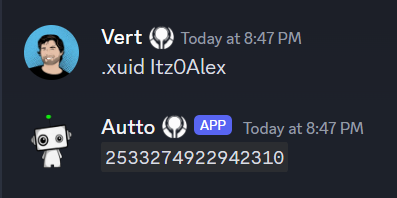
.xuid <gamertag>
Returns the Xbox ID of a given Gamertag.
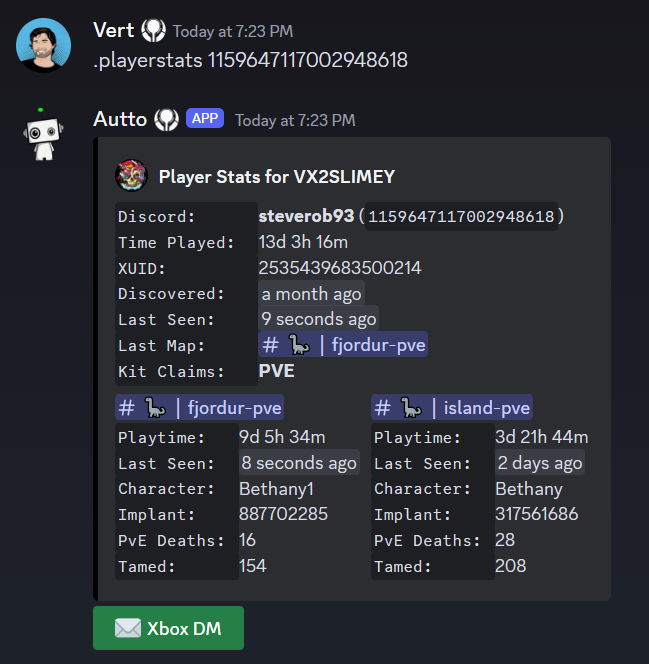
.playerstats <search_query>
search_query can be the following:
• Username, ID, or @mention of a Discord account.
• In-game Gamertag or Username
• XUID, Steam ID, PSN ID, or EOS ID
• In-game character name of the player.
Shows a detailed breakdown of the following
¶ DM a player through Xbox
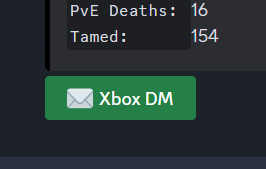
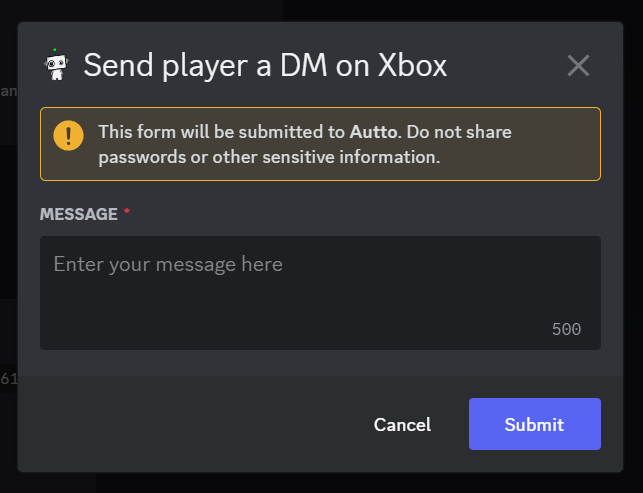
By clicking the Xbox DM button you can send a DM on behalf of the Host Gamertag of the last map the player was on
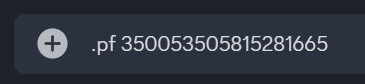
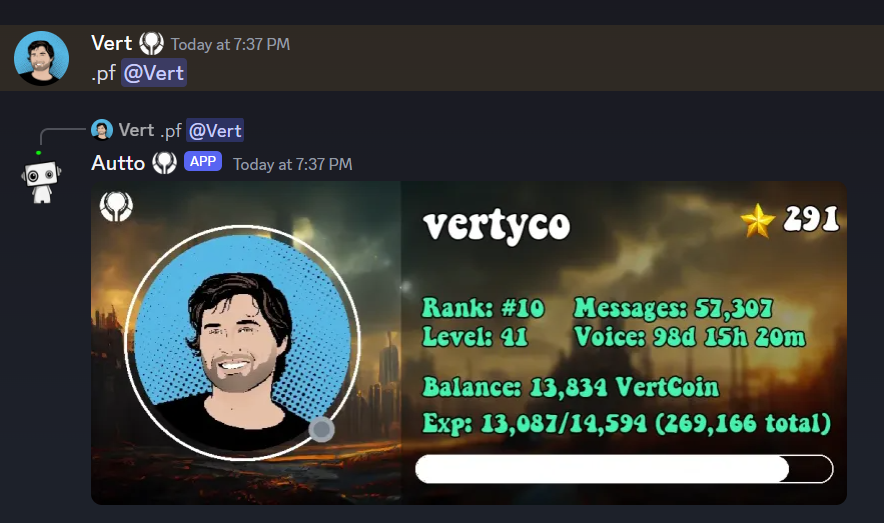
.pf <user>
View someones Discord activity profile

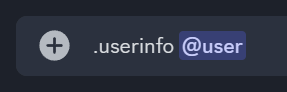
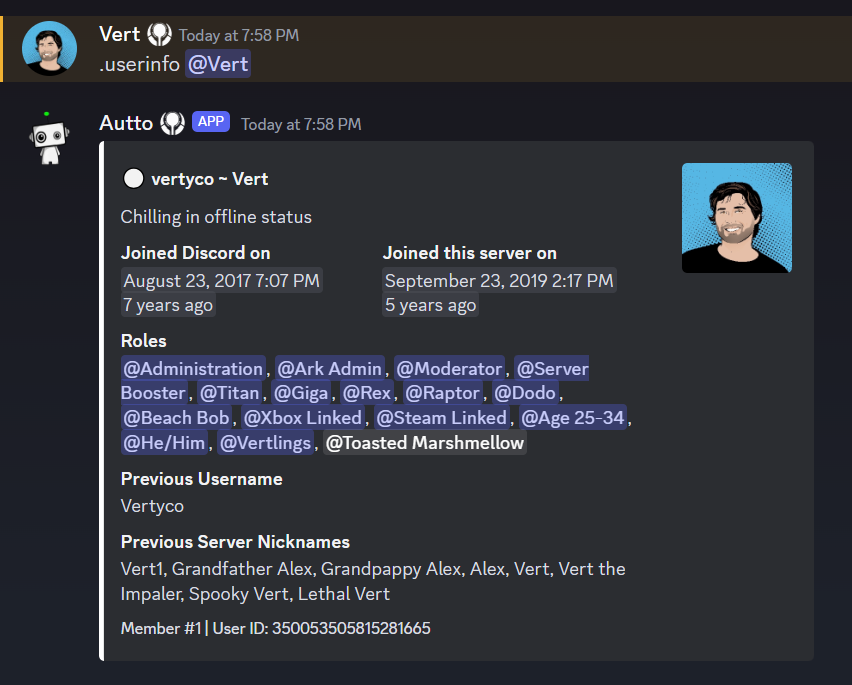
.userinfo <member>
View details about a Discord account in the server.
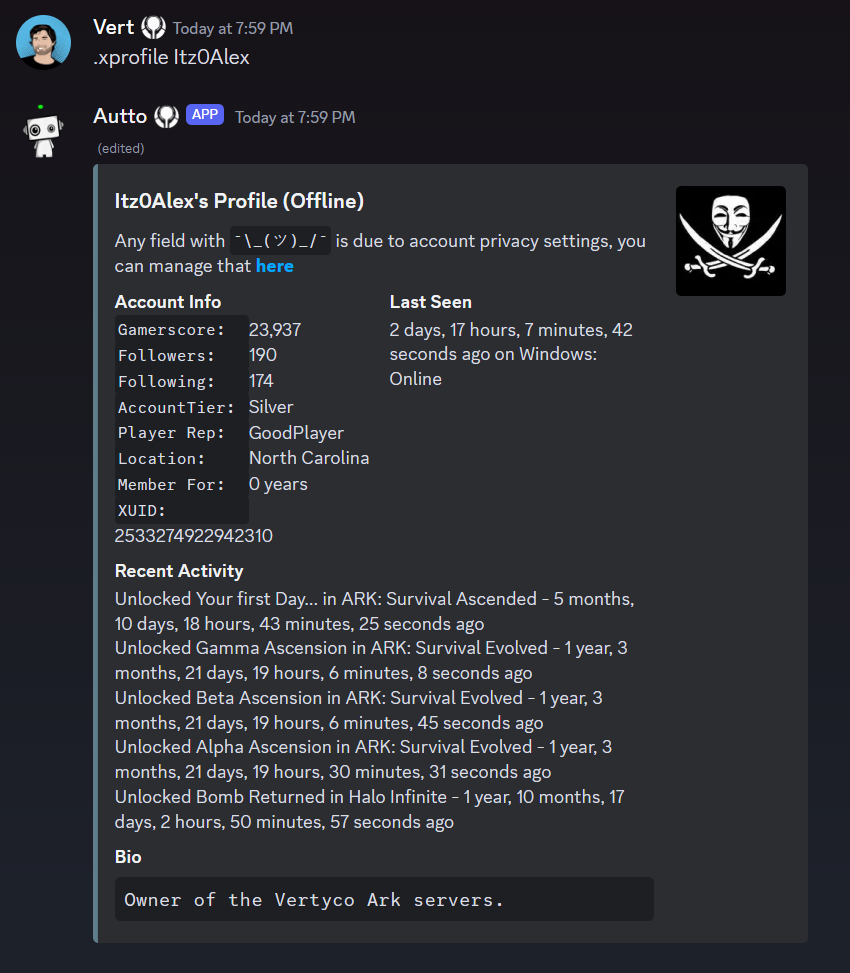
.xprofile <gamertag>
View a player's Xbox profile.
¶ Search Commands
.xfriends <gamertag>
View the friends list of the given gamertag
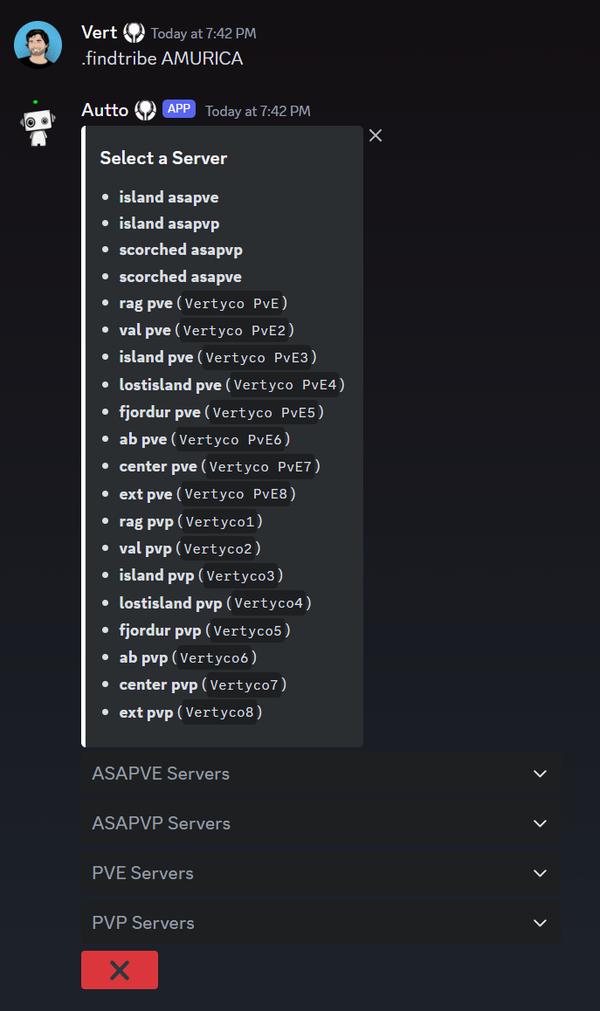
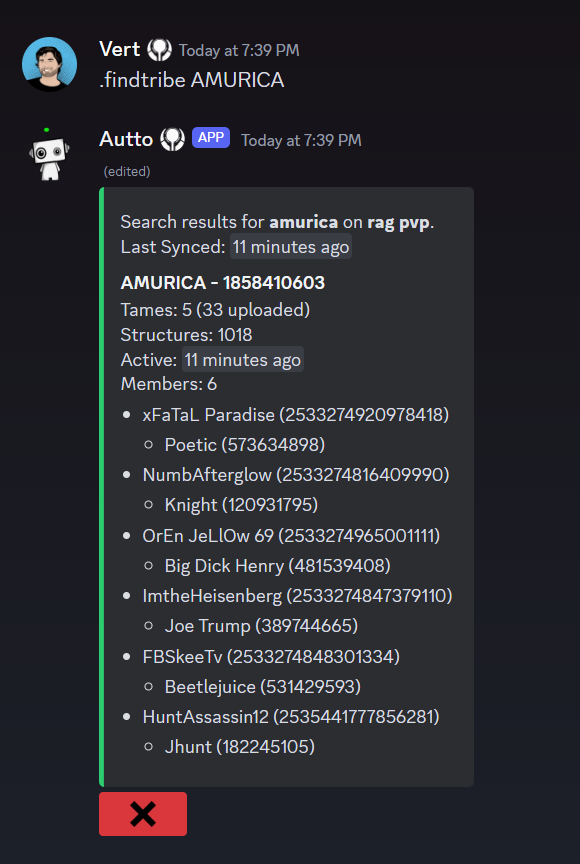
.findtribe <search_query>
Find details of a tribe like their in-game members, tame/structure count, when they were last active ect...
search_query can be any of the following:
- Tribe name or ID
- Player username or ID
- Player specimen number or character name
After running the command, you will be asked to select the server you want to search via drop-down.
.findtame <search_query>
Find tames by tame name, imprinter, tamer, or tribe name.
search_query can be one of the following:
- The dino's name.
- The name of the person who tamed the dino.
- The name of the person who imprinted on the tame.
- The name of the tribe that owns the dino.
- The ID of the tribe that tamed the dino.
You can search for unclaimed dinos by specifying unclaimed
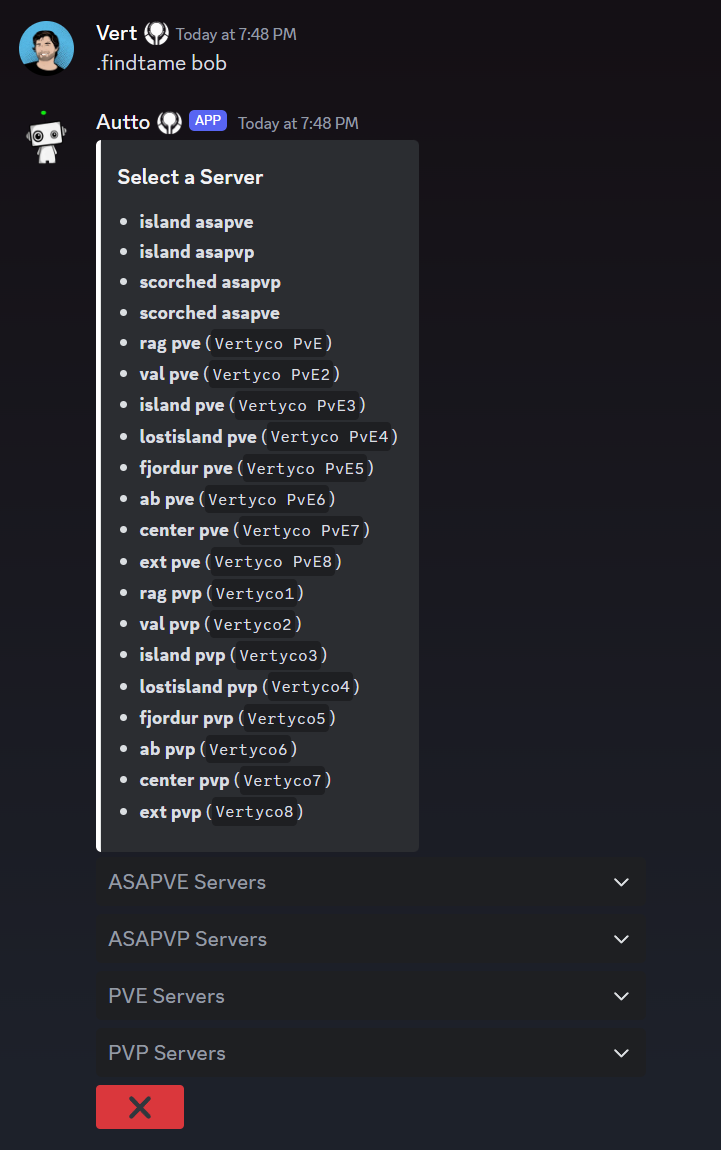
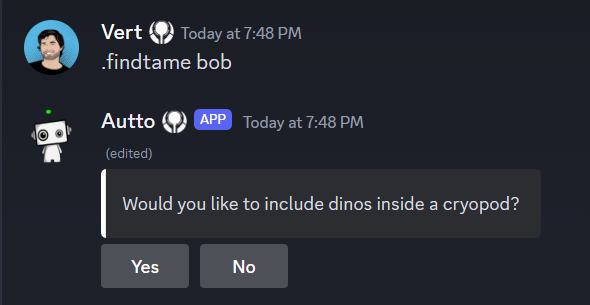
You will be asked to select a server to search for via drop-down.
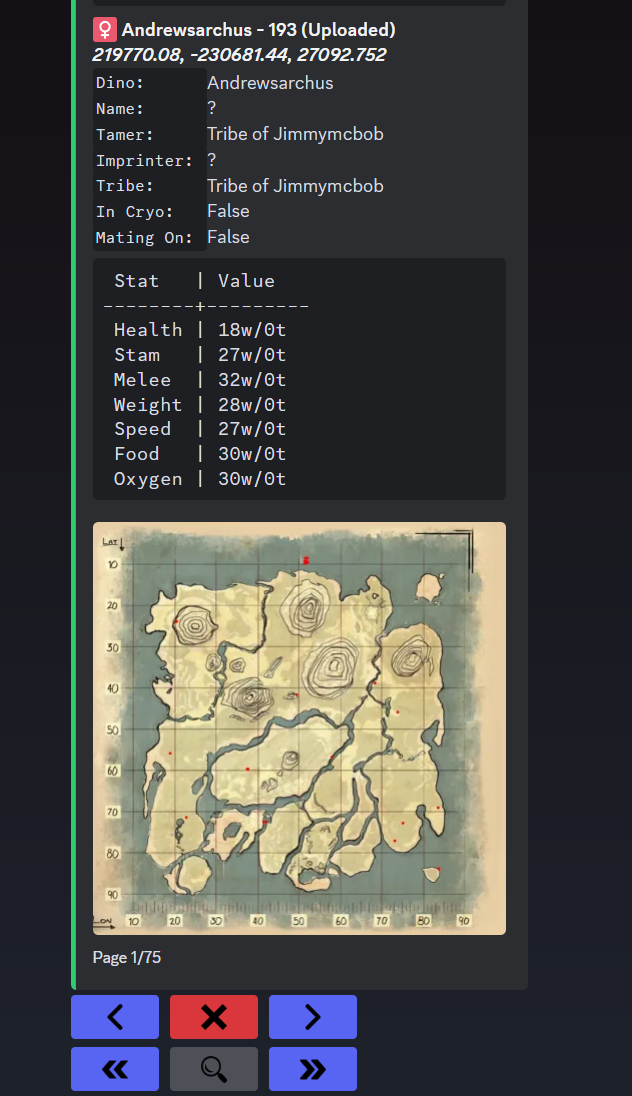
You can use the search button to find specific results within that search